May 18th, 2026
New
Improved
Fixed
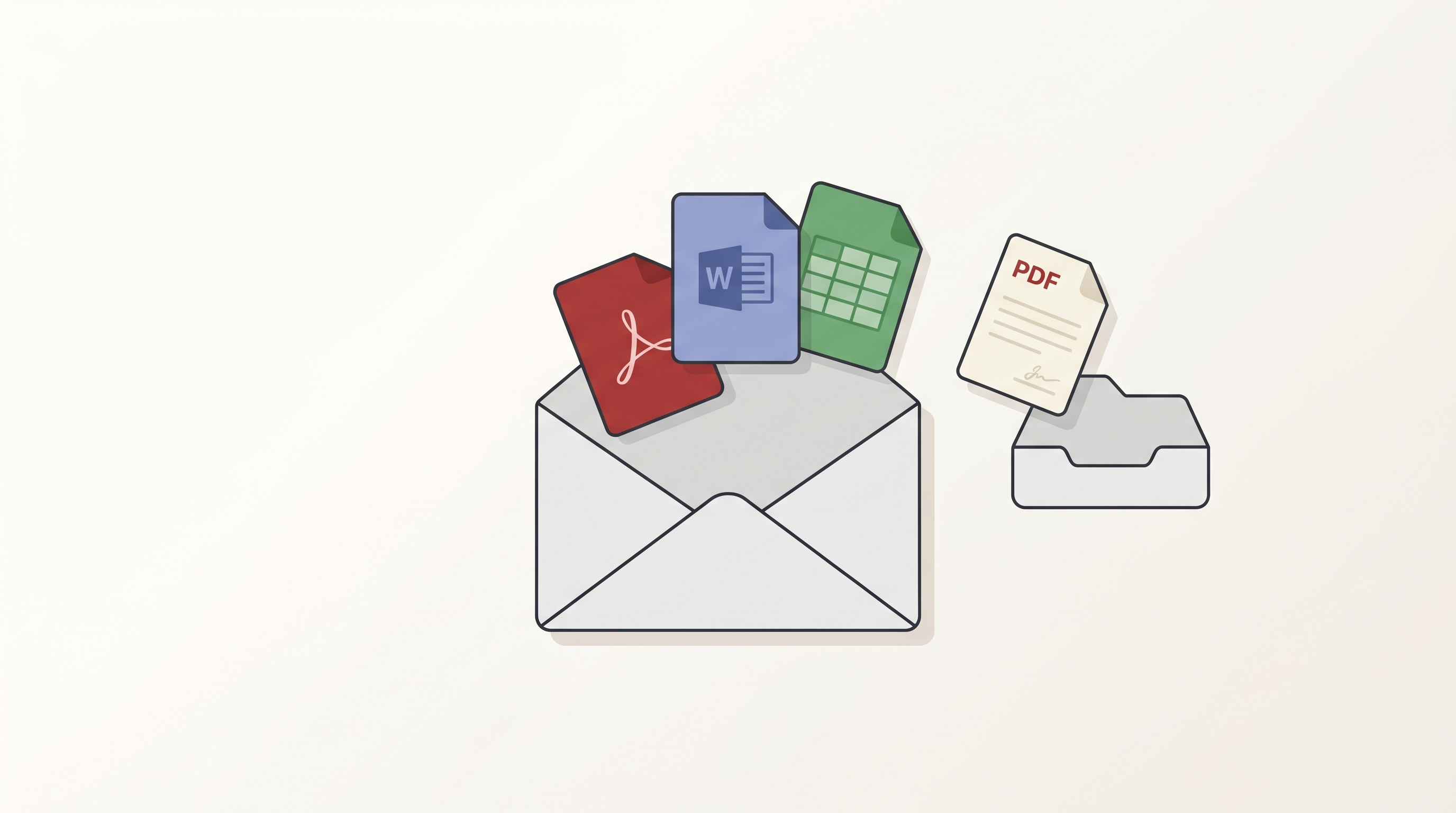
Attachments — Preview, Download, and Pull PDFs Into Your Project
New
Until now, attachments inside emails were invisible to RedactBox. You could see that an email had a PDF or a Word doc bolted on, but you couldn't open it, read it, or redact it without leaving the platform. That changes today. Every supported attachment is now first-class: preview it in-app or download it. PDF attachments can also be imported into your project as a document and redacted alongside everything else — more document types are on the way.
A dedicated Attachments tab
Open any email and you'll find an Attachments tab next to Body and Headers. Files appear in a left-rail list with their type and size. Pick a file and the right pane previews it instantly.
- PDFs
- Images — JPG, PNG, GIF, WebP, BMP
- Word documents — .docx, with formatting and tables intact
- Spreadsheets — .xlsx and .xls, with each sheet accessible from a tab strip
- Plain text and code — .txt, .md, .log, .json, .xml, .csv
- Inline images — the small images embedded inside an email body, surfaced in their own expander
For file types we can't safely render in the browser, the preview pane shows a clear "No preview" message with a download button.
Download
Every attachment has a Download button in both the rail and the preview header. The button shows clear feedback as it works — Download → Downloading → Downloaded — so you can see at a glance that your click did something.
Attachments over 50 MB aren't available to download — if you see a Too large badge, ask the sender to share the file through a transfer service instead.
Import a PDF as a project document
Some PDF attachments need redacting in their own right — a contract, a statement, a report. Open any PDF attachment and you'll see an Add to project split-button next to Download:
- Add & keep — imports the PDF and marks it as Kept, so it shows up in Redact mode straight away
- Add untriaged — imports it without marking it Kept, so you can handle it in Triage mode later
Imported PDFs carry a link back to the email they came from, so you can always trace where a document originated. From there they behave like any other document — same search and redact tools, same export pipeline.
This is PDF-only to start with. Over the coming releases we'll extend it to other known document types — Word documents, spreadsheets, presentations — converted into PDFs on the way in and imported into your project automatically, so you can redact the underlying content the same way you would any other document.
Smoother PDF viewer for big documents
The PDF viewer now handles very large documents — hundreds of pages — without slowing down or stuttering as you scroll.
Exports — faster, clearer, and far more reliable
If you've ever kicked off a big export and wondered whether it was actually doing anything, this one's for you. We've reworked the export pipeline end-to-end so large jobs finish reliably and you can see exactly where they are at every stage.
- ZIP packaging is now visible — the Tasks panel now shows the packaging and download-prep phases, not just the redact phase. No more "stuck at 100%" mystery.
- Accurate progress counts — the "X of Y" counter no longer drifts out of sync across multi-batch exports. It reflects what's actually been processed.
- Large exports complete reliably — exports of huge mailboxes used to occasionally stall during ZIP assembly. They now upload in resumable chunks and finish cleanly.
- Retry stuck exports — on the rare occasion an export gets stuck, a Retry button appears in the Tasks panel so you can re-run it yourself instead of waiting for support.
- Tell your exports apart — when you have multiple exports running, each one now shows its project name and a unique label so you can see which is which at a glance.
- Tidier Tasks panel — friendlier progress UI, no duplicate spinners, clearer status text.
Also in this release
A handful of other improvements and fixes have rolled out alongside the attachments work:
- Word list manager, redesigned — cleaner layout, easier to scan, and shared word lists now refresh across every project the moment you edit them.
- Faster import for large mailboxes — mbox and EML files parse significantly faster, especially on emails with very long bodies.
- UK date format by default — email header dates in generated PDFs now render as DD/MM/YYYY with 24-hour time.
- More reliable imports — interrupted or stuck imports recover cleanly. If a parse fails mid-flight, another worker picks it up automatically rather than leaving the file in limbo.
Improved
- Auto-Redact in this item now behaves consistently with Auto-Redact across all items — same match counts, same controls, same undo, whichever scope you pick.
- Cleaner confirmation when removing an auto-redaction — for redactions applied to a single item, you now get a clear single-button Remove instead of an unnecessary "Remove from this item / all items" prompt.
- Bulk-redaction progress shows Searching page X of Y while it scans and Redacting N of M occurrences while it applies, so you can see exactly where it is.
- BETA tag removed from Auto-Redact dialogs.
Fixes
- Multi-word redactions are now applied consistently on export — a specific combination of conditions could previously cause them to be missed.
- Multi-word redaction rectangles now land precisely on the matched text, including across line wraps.
- Phantom duplicate emails no longer appear when the mbox parser hits a particular race condition on very large files.
- Project document counts update immediately when files are deleted, instead of needing a refresh.
- Project documents appear in the sidebar straight after importing a PDF, with no page refresh needed.
- The PDF viewer no longer occasionally throws a "detached buffer" error when switching previews quickly.
- Background platform hardening — stricter ownership checks across project, file, and attachment routes, and tighter rate limiting on Cloud Run. You won't see this, but it keeps your data where it belongs.
As always, please give us feedback here if you'd like to suggest features or flag bugs. Plenty more on the way.